Massage therapy software keeps your practice organised from scheduling and bookings to client forms and financial records.
Every successful therapist knows organisation is key. From booking clients to tracking finances, the right software can make or break your business. Walk-in or appointment-only? Each model demands different tools.
Most successful practices aren't winging it. According to Capterra, 55% of massage businesses rely on dedicated software, with 69% calling it significant for their clinic operations. These aren't just numbers; they're survival strategies.
So, let’s see which massage therapy software you should consider for your business.
Here’s a quick sneak peek:
Software
Starting Price
Capterra Rating
Ideal For
Free Trial
Noterro
$28.5/month (monthly or annual)
4.8 / 5
Startups, small to medium clinics
14-day trial (no card)
MassageBook
$20/month
4.7 / 5
Startups, growing massage businesses
Free trial available
BookingTimes
$99/month
5.0 / 5
Freelancers, small teams, wellness practices
Free trial available
Setmore
Free (Paid plans available)
4.7 / 5
Freelancers, small startups
Starts from $5
Mindbody
$129/month
4.0 / 5
Studios, spas, multi-location businesses
Free trial available
Schedulista
$19/month
4.6 / 5
Freelancers, startups, small teams
15-day free trial
Zenoti
Custom pricing
4.4 / 5
Multi-location clinics and large studios
Demo or consultation
BookSteam
$19.95/month
4.7 / 5
Freelancers, small to mid-size businesses
Free plan available
Bodywork Buddy
$35/month
4.7 / 5
Solo therapists, small practices
15-day free trial
ClinicSense
$30/month
4.8 / 5
Solo practitioners, small teams
Free trial available
Top 10 Massage Therapy Software in 2025
There’s no shortage of good options in 2025. Below are 10 of the best massage therapy software platforms, each with its own strengths.
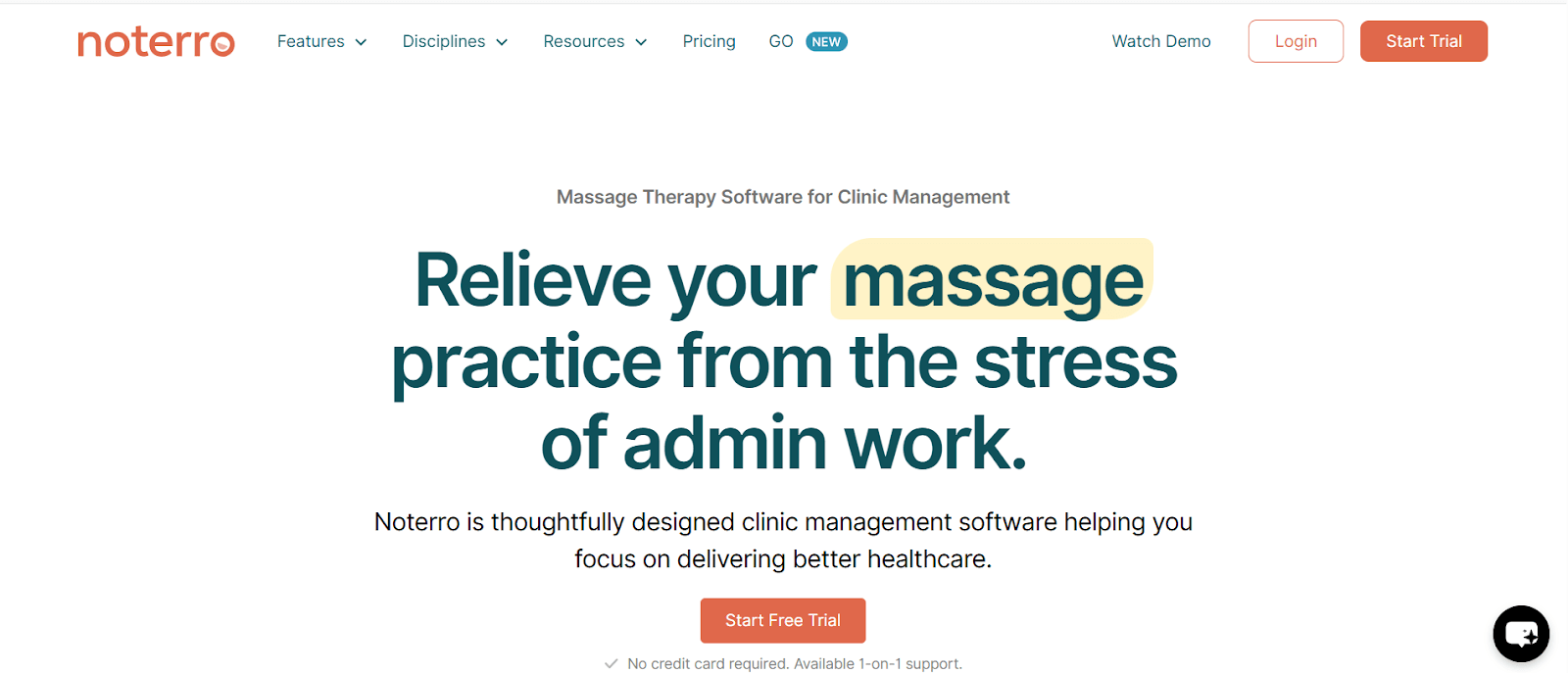
Noterro is basically a massage therapy software, but the way people usually describe it is “just convenient.” Instead of having your schedule in one place, charts somewhere else, and then a separate system for billing, it puts everything together so you’re not hunting around for info all day.
Appointment Management: Manage bookings with online scheduling, waitlists, and multi-location calendars. Sync with Google Calendar, track arrivals, and send automated reminders. Quickly review intake forms with Form Summary, which converts responses into easy-to-read summaries or audio you can prep from anywhere, reducing no-shows and saving prep time.
Client Records & SOAP Notes: Store client history, assessments, and SOAP notes in one secure place. Use tagging, drawing, dictation, snapshots, and note duplication to document faster and access charts easily across locations.
AI Scribe & Snippets: These tools help speed up your note-taking. They’re good for the repetitive stuff or when you’re trying to get your charting done quicker at the end of the day.
Billing & Payment Processing:Invoices and payments are handled inside the software, so you don’t have to jump into another program just to keep track of the money side of things.
Insurance & Documentation: If you deal with insurance, it keeps all the forms and documentation organized. It’s mainly there so you don’t lose track of what was sent or what still needs to be done.
Mobile Clinic Support: Built for mobile practitioners, Noterro GO helps manage service areas, travel time, directions, intake summaries, and voice-based notes, keeping your schedule on track while on the road.
Specifications:
Fully cloud-based system
Flexible pricing: pay monthly or yearly
Accessible via web and mobile
API available for integrations
Suitable for startups, small clinics, and larger practices
Capterra Rating: 4.8/5
Pricing:Starts at $28.5/month with monthly and annual billing options.14-day trial. No credit card required.
2. MassageBook
Source - MassageBook
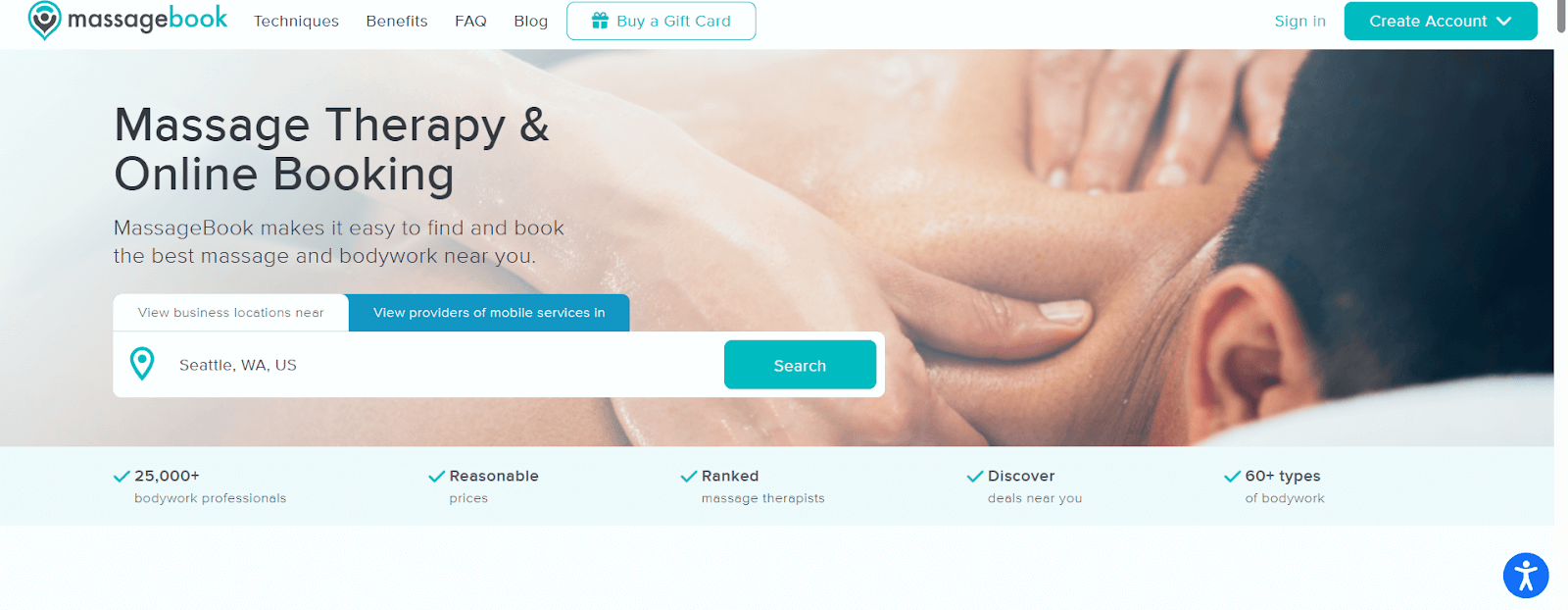
MassageBook is built just for massage therapists. Not spas, not yoga studios, just massage practices. That makes it kind of nice because you don’t get a bunch of extra stuff you’ll never use. You can handle bookings, keep track of clients, take payments, and send reminders all in one place. It’s simple, really. You won’t feel like you need a degree in tech to use it.
Key Features:
Case Management: Stores client info, past sessions, and notes together. You can see what was done last time, client preferences, or any special instructions. No digging through sticky notes or different apps.
Email Marketing: Let's you send simple updates or promotions. Maybe a holiday special, a new massage package, or just a short “hey, we miss you” email. You don’t have to be a marketing whiz.
Client Portal: Clients can see their appointments, past sessions, and messages. They can confirm or reschedule themselves. Saves you a ton of back-and-forth emails or phone calls. Once clients start using it, you might notice fewer texts like “Can I come earlier?”
Billing Tools: Invoices and payments are handled inside MassageBook. You can see who’s paid, who hasn’t, and track transactions without juggling spreadsheets. It keeps things simple and clean.
Insurance Eligibility Verification: Checks the client's insurance automatically. No guessing if something will be covered or having to call the insurance company. Makes billing less stressful.
Specifications:
Cloud-based platform
Compatible with MacOS and Windows
Monthly subscription available
Great fit for startups and growing massage businesses
Capterra Rating: 4.7/5
Pricing: Plans begin at $20/month
3. BookingTimes
Source - BookingTimes
BookingTimes lets you manage your massage clinic straight from your website. It’s aimed at solo practitioners and small teams who just want to get bookings, payments, and client stuff all in one place. Saves time. Cuts down on back-and-forth. Makes it easier to focus on clients instead of piles of paperwork. Honestly, it’s simple, practical, and works the way a busy clinic actually runs.
Key Features:
Manage Appointments and Calendars: You can see all your bookings in one spot. Move things around if you need to. No more sticky notes everywhere. Helps keep the day less chaotic.
Track Documents and Inventory: Keep track of client info, treatment notes, and supplies. You’ll know what’s low before it becomes a problem. Little thing, but it really keeps things running smoothly.
Online Booking for Clients: Clients can book right from your website. Saves calls and emails. Makes life easier for you and them. Helps cut down no-shows, too.
Easy Client Communication: Send reminders, confirmations, or updates without fuss. No need to text or email each client manually. Clients get the info quickly and reliably.
Create and Send Invoices: Invoices are easy to make and send. Clients can pay faster. Keeps your finances neat. Less stress.
Process Payments Securely: Payments happen right in the system. Safe, quick, and all in one place. No switching between apps. Makes checkouts simple.
Specifications:
Cloud-based and accessible from anywhere
Works on MacOS and Windows
Use it on your phone or desktop
Choose monthly or yearly plans
Customise settings to fit your way of working
Perfect for freelancers, small clinics, or growing wellness teams
Capterra Rating: 5/5
Pricing: Plans start at $99/month
4. Setmore
Source - Setmore
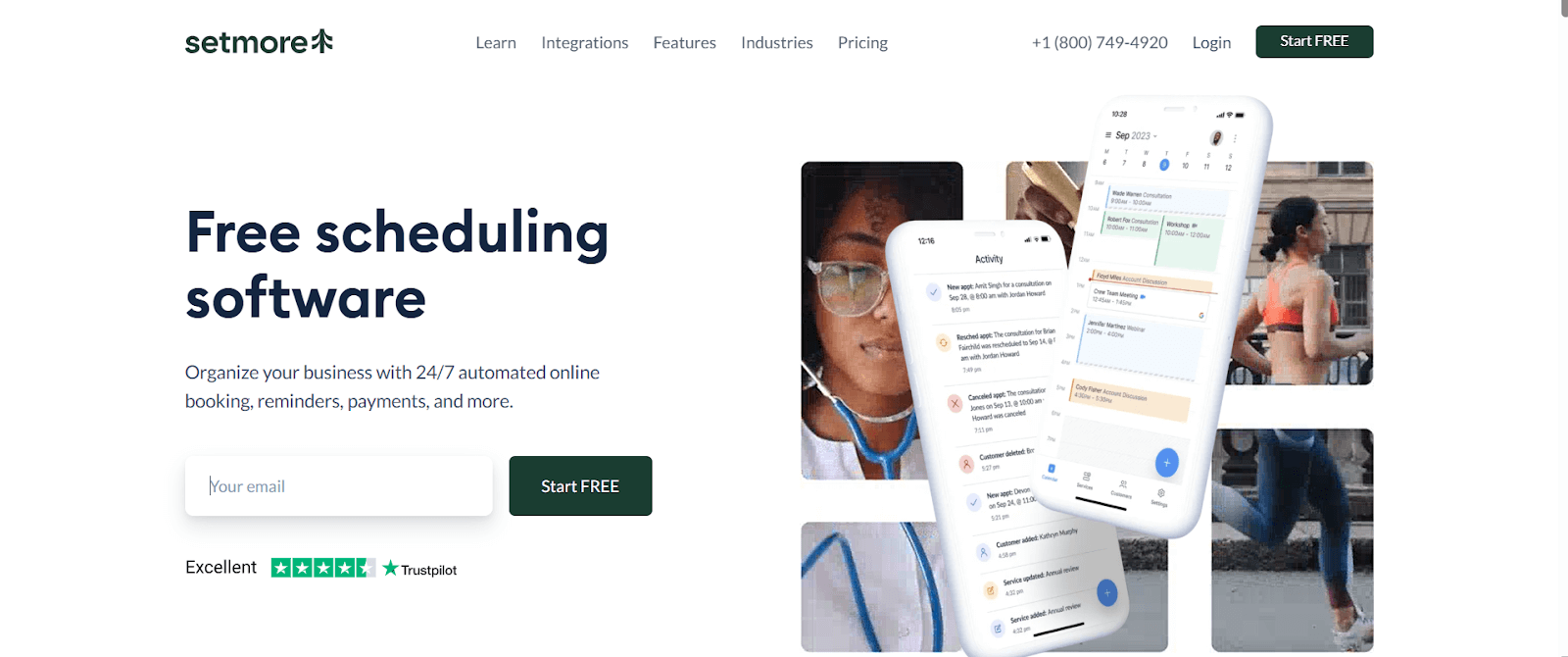
Setmore is pretty handy if you want to take control of your schedule without making things too complicated. You can set up a free booking page, add your services, and clients can book even late at night or on weekends. It’s simple and saves time. Honestly, it makes life a bit easier when your calendar is always full, and you don’t want to spend hours managing appointments.
Key Features:
Simple Online Booking: You can get a booking page going in minutes. Clients just click a few things, and they’re done. It’s quick, easy, and you don’t have to explain a bunch.
Syncs with Your Calendar: Setmore hooks up with the calendars you already use. No more double-bookings or checking multiple apps. Keeps your schedule a bit less stressful, you know?
Sends Out Reminders Automatically: The system pings clients on its own. Helps cut down missed appointments. Saves you from having to chase people all the time, which is nice.
24/7 Client Scheduling: People can book whenever they want, day or night. You don’t have to be on your phone all the time. Makes things flexible for you and your clients.
Easy to Personalize: You can tweak your booking page to fit your brand. Logos, colors, descriptions little touches go a long way. It just makes everything feel like yours, instead of generic.
Specifications:
Cloud-based system
Works on phones, tablets, laptops, pretty much everything
Supports iOS, Android, macOS, Windows, and web
Includes API and mobile access
Best for freelancers, small teams, and businesses just getting started
Capterra Rating: 4.7/5
Pricing: Starts from $5
5. Mindbody
Source - Mindbody
Mindbody is a SaaS-based business management software made for the wellness industry. It helps connect health, wellness, and beauty professionals with their clients through a mobile-friendly platform. The software handles a lot of daily stuff like appointments, payments, staff schedules, inventory, and even marketing. It’s made to make running a wellness business easier, save time, and reduce stress, so you can focus more on your clients instead of drowning in paperwork.
Key Features:
Inventory Tracking: Mindbody keeps an eye on all your products and supplies. You’ll know what’s in stock and what’s running low. This way, you’re not scrambling last minute or running out of important items—it’s kind of handy.
Payroll Tools: Paying staff can get confusing, but Mindbody simplifies it. You can track hours, handle payments, and avoid messy spreadsheets. It works well even if people have different shifts or part-time schedules.
Point-of-Sale System: Clients can pay right inside the software, and it’s all secure. Services, products, everything is handled in one place. It saves time and keeps your financial records from getting messy.
Built-In Marketing Features: Mindbody helps you reach clients with reminders, promotions, or updates. You don’t need to be a marketing pro to use it. Even quick, simple campaigns can help keep clients coming back and make your business look organized.
Time Tracking: Keeping track of staff hours is easy. Mindbody shows who’s working and when. You can plan schedules better, handle payroll more smoothly, and get a sense of staff productivity without guessing.
Specifications:
Runs on the cloud
Works with iOS, Android, macOS, and Windows
Monthly subscription available
Includes API access and custom settings
Good for freelancers, startups, and expanding wellness teams
Capterra Rating: 4.0/5
Pricing: Plans start at $129/month
6. Schedulista
Source - Schedulista
Schedulista is basically for anyone who wants appointments handled without a whole production. Clients can grab a spot whenever they feel like it, and you get this simple dashboard that keeps things from getting out of hand. Nothing fancy, just helpful when your day gets busy.
Key Features:
SMS Reminders: It sends texts automatically, which is honestly a lifesaver because it cuts the “Oops, I forgot” thing. You don’t have to chase people down—Schedulista quietly does it in the background.
Online Payments: People can pay right when they book. It makes checkout quicker later, and you’re not stuck sending awkward payment follow-ups. It’s pretty chill and works smoothly.
Custom Branding: You can tweak the booking page so it sort of feels like you—your colors, your vibe. It makes the page feel less generic and more like your actual business.
Online Appointment Scheduling: Clients can book whenever—middle of the night, lunch break, whatever. Website, social media, doesn’t matter. It just saves you from going back and forth trying to find a time that fits.
Specifications:
Cloud-based
Works on Windows and MacOS
Mobile-friendly
Monthly plan available
Great for freelancers, startups, and small teams
Capterra Rating: 4.6/5
Pricing: Starts at $19/month.
7. Zenoti
Source - Zenoti
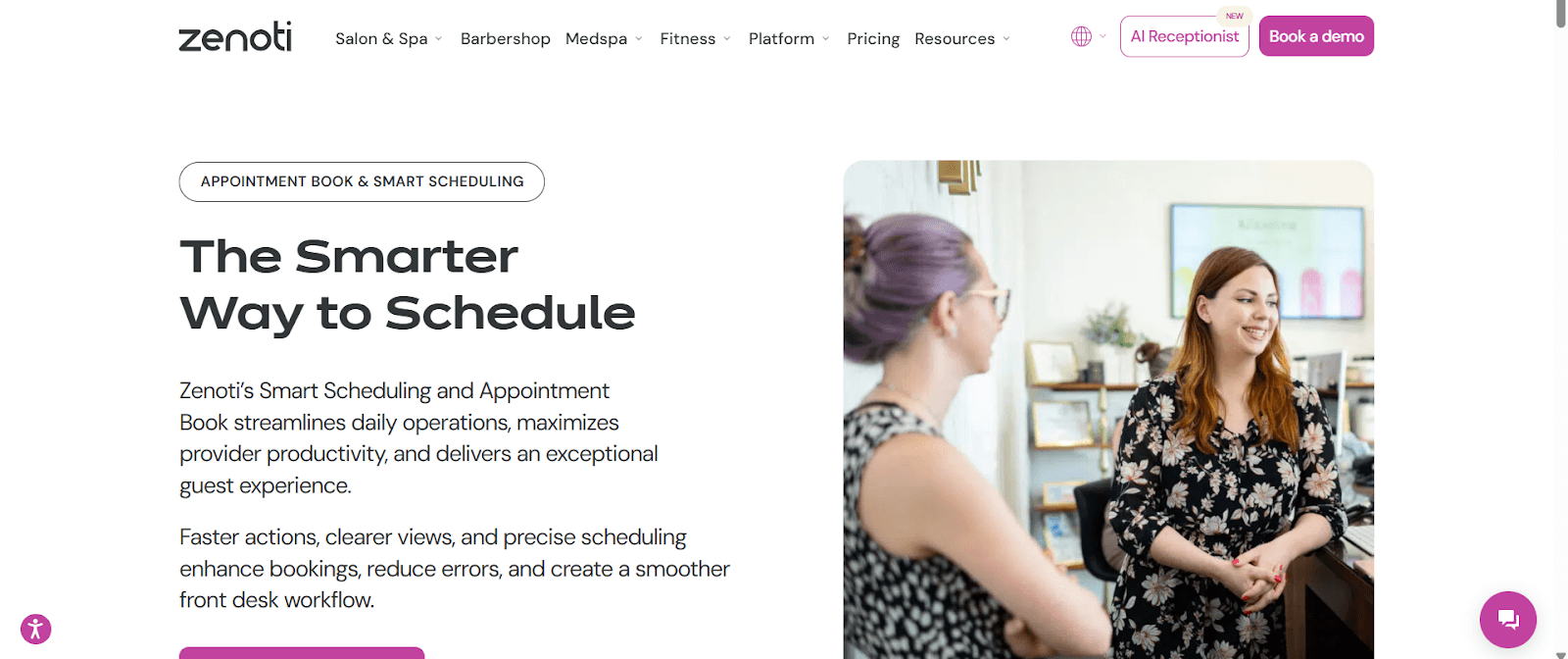
Zenoti is made for businesses like spas, salons, med spas, fitness studios, and yoga centers, especially if you have more than one location. It helps keep things together, bookings, payroll, staff, all that, without making you jump between apps. Honestly, it’s kind of like having an extra pair of hands. You can focus on clients and not worry too much about the chaos behind the scenes.
Key Features:
Email and Text Message Marketing: Zenoti can send messages to clients automatically. You know, emails, SMS, whatever you need. It reminds them of appointments or promotions, so you don’t have to chase everyone manually. Makes things a bit easier, really.
Loyalty Program Tools: You can set up rewards for regular clients. Keeps them coming back, which is nice, and it’s not hard to manage. Small touches like this make a difference over time.
Payment and POS System: Payments happen right in the system. You don’t need to switch between apps or worry about security. Everything is in one place, which saves some headaches.
Room Usage and Scheduling: You can see which treatment rooms are free and which are booked. Makes planning less stressful, especially on busy days. Kind of handy when you’re juggling multiple appointments.
Staff Payroll Management: Zenoti helps with staff hours and payments. It’s easier than using spreadsheets, and mistakes happen less. Saves time, and your staff gets paid correctly.
Online Appointment Booking: Clients can pick their own time online. No more endless calls or messages back and forth. It’s convenient for them and makes your life easier.
Support for Multiple Business Locations: If you have a few locations, you can see everything in one place. Staff, bookings, all the operations, you don’t have to log into multiple accounts. Keeps things consistent and simpler overall.
Specifications:
Cloud-based software
Works on MacOS and Windows
Mobile access included
Can be customized to fit your business
Suitable for small startups, growing studios, or larger wellness brands
Capterra Rating: 4.4/5
Pricing: Custom pricing
8. BookSteam
Source - BookSteam
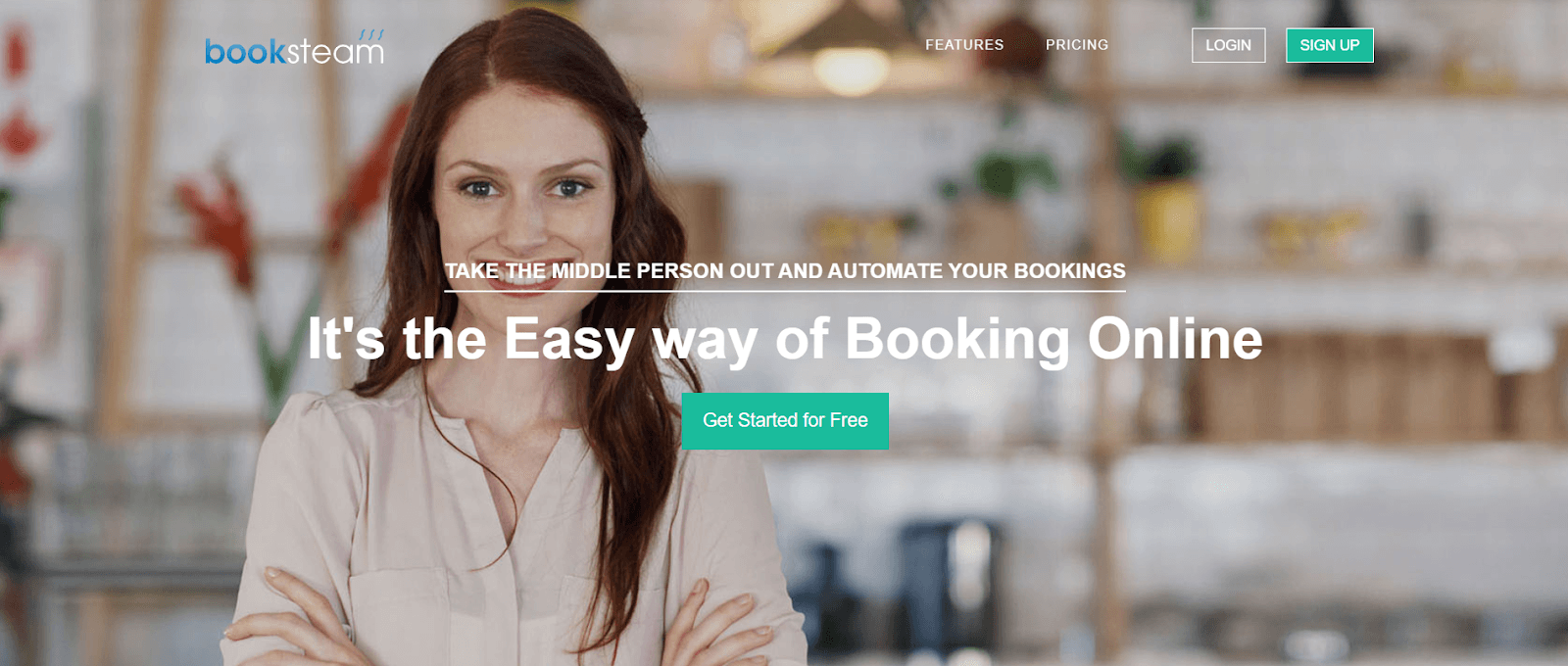
BookSteam, um, it’s kind of handy if you want to deal with online bookings without too much hassle. Clients can pick a time that works for them, like morning, evening, weekends, whatever, and you get a look at your calendar without juggling a bunch of apps. I mean, it kind of saves you from all the back-and-forth, and you can focus on seeing people instead of checking schedules all the time.
Key Features:
Appointment Booking: So, clients can just go online and book when they want. No calls, no texting back and forth. Makes your day less crazy. You kind of forget how much time that saves until you try it.
Automated Notifications: The system sends reminders automatically, by text or email. Cuts down on no-shows, which is a relief. You don’t have to nag people constantly, which I think everyone appreciates.
Online Payments: Clients pay right there in the platform. It’s safe, fast, and keeps everything in one place. You know, way easier than juggling multiple apps or asking people to pay later.
Database Management: All the client info and past appointments are in one spot. You can find things quickly, even if your brain’s fried from a busy day. It helps keep things organized, kind of like a little digital helper.
Specifications:
Runs in the cloud
Works on MacOS and Windows
Mobile-friendly
Great for freelancers, startups, and small to mid-size businesses
Capterra Rating: 4.7/5
Pricing: Plans start at $19.95/month, with flexible options available.Free trial available.
9. Bodywork Buddy
Source - Bodywork
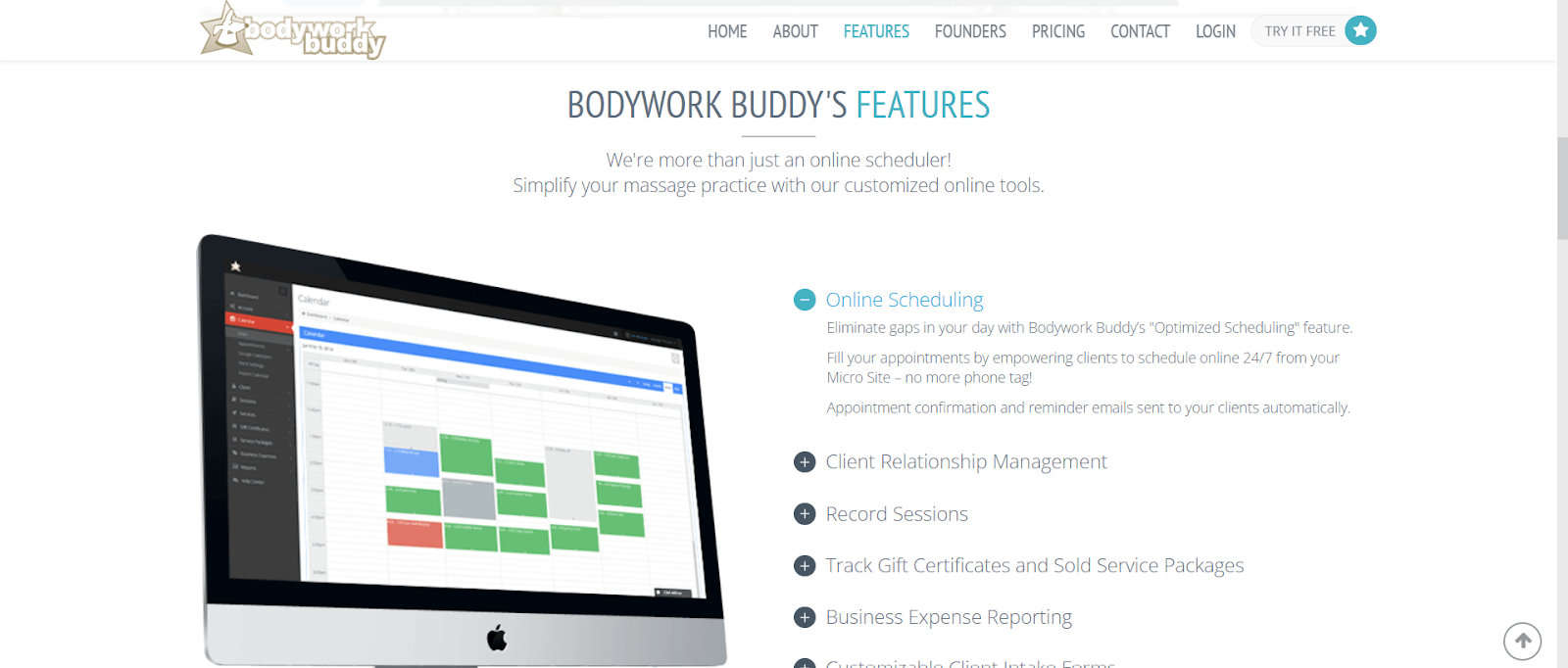
Bodywork Buddy is kind of a “keep-your-life-sane” tool for massage therapists. Instead of jumping between different apps for scheduling, notes, and client info, everything just lives in one spot. It’s simple, nothing fancy, but it gets the job done without adding extra stress to your day.
Key Features:
Practice Management: You can look at your schedule, your clients, and your to-dos all together. It feels a bit like having a basic command center, so you’re not digging around for things you need.
Custom Intake Forms: The forms aren’t set in stone—you can change them around depending on what you usually ask clients. It saves you from repeating the same questions or keeping random papers everywhere.
Session Recording: After each session, you can jot down what you did, what the client liked, what didn’t work, all that stuff. Helps you remember the small details for next time without guessing.
SOAP Notes: Instead of keeping notes in different places, you can write your SOAP notes right there. Everything stays organized enough that you can pull it up later without hunting for it.
Gift Certificate Tracking: If you sell gift certificates, the system keeps track of them so you’re not trying to remember who used what. It brings in some extra money and keeps things a bit more organized.
Specifications:
Cloud-based system
Runs on web and Windows
Offers monthly, 6-month, or yearly plans
Great fit for solo therapists, small teams, and growing clinics
Capterra Rating: 4.7/5
Pricing: Plans start at $35/month.
10. Clinicsense
Source - ClincSense
ClinicSense takes a lot of the routine admin work off your plate, which means you get a bit more time to actually focus on clients instead of paperwork. It’s mainly used by massage therapists and solo practitioners who just want something simple for handling bookings, payments, and staying in touch with clients — all in one spot.
Key Features:
Appointment & Practice Management: Lets you set up appointments and handle the day-to-day tasks of the clinic without much fuss. Moving things around or adjusting schedules feels pretty straightforward.
Employee Tracking: Gives you a way to check staff schedules and see how everyone’s doing in terms of productivity.
POS & Gift Card Support: Payments, gift cards, and similar transactions can be processed inside the system, so you’re not juggling different tools.
Client CRM: Helps you keep client details organised and makes it easier to stay in touch when you need to send updates or reminders.
Billing Tools: You can take care of invoicing and payments here, which keeps the financial side a bit cleaner and less scattered.
Email Marketing: Let's you put together simple email campaigns so you can reach out to clients about promos, updates, or anything else you want to share.
SOAP Note Documentation: A place to add treatment notes and track client progress without worrying about losing anything.
Specifications:
Cloud-based system
Works on web, Windows, and mobile devices
Monthly or yearly subscription plans are available
Customizable settings to fit your workflow
Ideal for solo practitioners, small teams, and growing clinics
Capterra Rating: 4.8/5
Pricing: Starts at $30/month. Free trial available.
What to Look for in the Best Massage Therapy Software
Picking massage software isn’t as complicated as it feels. Honestly, if you keep a few things in mind while you’re comparing options, it gets way easier:
Features: Just check that it actually does the stuff you rely on every day, such as appointment scheduling, SOAP notes, intake forms, payments, and reminders. If it also handles charting or messaging, that’s a bonus. No need to overthink it, just make sure it covers the basics without you jumping around ten different apps.
Ease of Use: You shouldn’t have to “learn” the message book software like it’s a course. A clean dashboard and simple setup save you a lot of time, especially when you’re tired or juggling clients. If you can click around and figure things out without digging through help articles, you’re good.
Scalability: Even if it’s just you right now, life changes. Maybe you can add a second therapist later or just get busier. The massage therapy practice management software shouldn’t freak out when you grow. It should handle more clients and more services without forcing you to switch platforms.
Customer Support: At some point, something weird will happen, buttons disappear, reminders don’t send, whatever. When that moment comes, you want support that actually answers instead of sending you in circles. A simple chat or email reply can save your whole afternoon.
Cost: Don’t just look at the price tag on the front. Some tools look cheap, but then you find out half the important stuff is extra. Make sure the essentials, secure storage, charting, and billing, are included so you’re not surprised later.
Integration: If it connects smoothly with your other tools (your website, QuickBooks, Xero, or anything you already use), that’s one less headache. Syncing things automatically means less copy-pasting and fewer mistakes.
Nearly 20% of small businesses don’t make it past the first year, and staying organized honestly helps more than people think. The right software keeps things steady so you’re not constantly scrambling.
And while you’re comparing options, think about your clients too. Different groups of people like to book and communicate in different ways. Knowing what your crowd prefers makes it easier to choose something that fits them and not just the software company’s checklist.
Final Thoughts: Which Massage Software Should You Choose?
Option A: Noterro Pick Noterro if you want something that keeps your schedule, notes, billing, and reminders all connected without a lot of fuss. It’s great for solo therapists and small clinics that just want the day to run smoother and don’t need anything overly fancy. If you like clean layouts and quick charting, this one fits well.
Option B: ClinicSense Choose ClinicSense if you’re tired of admin work eating up your time. It handles bookings, payments, client messaging, and even staff tracking without making things complicated. It works especially well for solo practitioners and small teams who want something simple but dependable.
Option C: MassageBook MassageBook is a good pick if your practice is purely massage-focused and you want tools built exactly for that, not spa extras, not gym features. It’s easy to use, your clients get a clean portal, and the insurance verification saves headaches. Great for therapists who want something straightforward and client-friendly.
Your decision will come down to your priorities, whether that’s simplicity, admin support, or massage-specific tools. Taking advantage of free trials lets you experience each system before settling on one.
Frequently asked questions
What are the startup costs associated with a massage therapy practice?
What are key leadership skills for MT managing practices?
Why are interpersonal skills essential for a massage therapist?
How does massage therapy software improve clinic management?
How easy is it to migrate from another system to Noterro?
After a decade performing professionally in the Canadian musical theater, Shaun transitioned to a career in massage therapy. His expertise lies in blending deep tissue techniques, such as trigger point therapy and myofascial release, with relaxing Swedish massage techniques. Shaun also provides a range of specialized services, including Personalized Massage, Couples Massage, and Chair Massage for the Office with the highest standards of professionalism and care.
Shaun's journey in massage therapy began in 2014 at the Massage Therapy College of Manitoba (now Evolve College), where he laid the foundation for his practice. He further honed his skills at the Ontario College of Health and Technology to recertify in the regulated province. Expanding his knowledge, Shaun is continuing education in acupuncture, integrating new techniques to enhance his treatments.








.webp)
.webp)
.webp)
.webp)




.webp)