

.webp)
Clear intake. Recorded consent.
Clean records.
.webp)
Flexible form creation
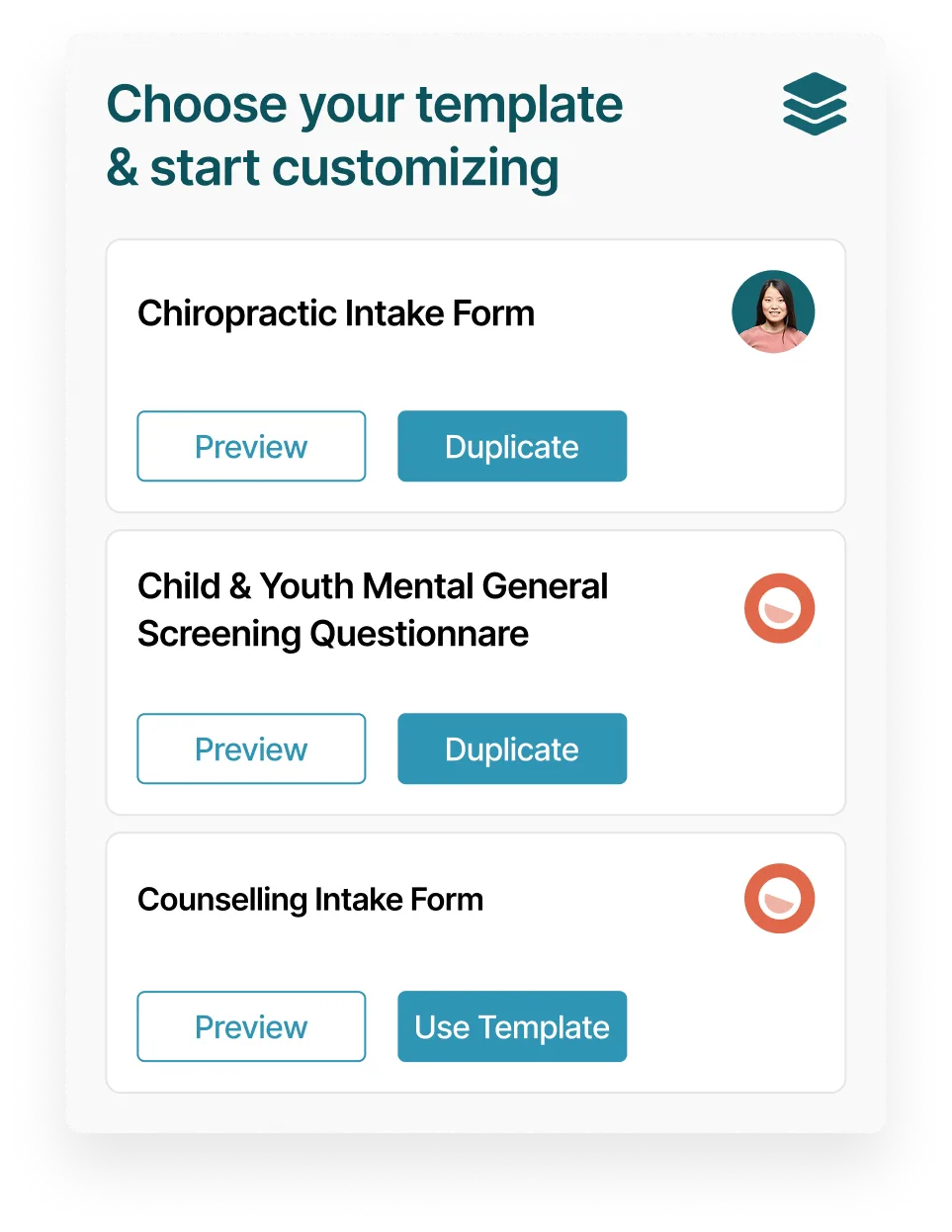
Start with ready-made templates for intake and consent forms. Customize questions, required fields, and layouts to match your clinic’s workflow.
.avif)
Secure intake by default
We have dozens of ready-made note templates you cDigital intake forms are encrypted in transit and at rest. Time-stamped consent is securely stored and accessed through the patient portal to support HIPAA and PIPEDA compliance.an use as-is or customize to meet your needs.
.webp)
Real-time form tracking
Manage every form from a dedicated dashboard. See what’s sent, completed, or outstanding, prevent duplicates automatically, resend incomplete forms, or perform intake in-clinic using a tablet or computer.
.svg)
Multilingual experience
Forms support multiple languages so patients can complete intake in the language they’re most comfortable with.
.svg)
Patient Signatures
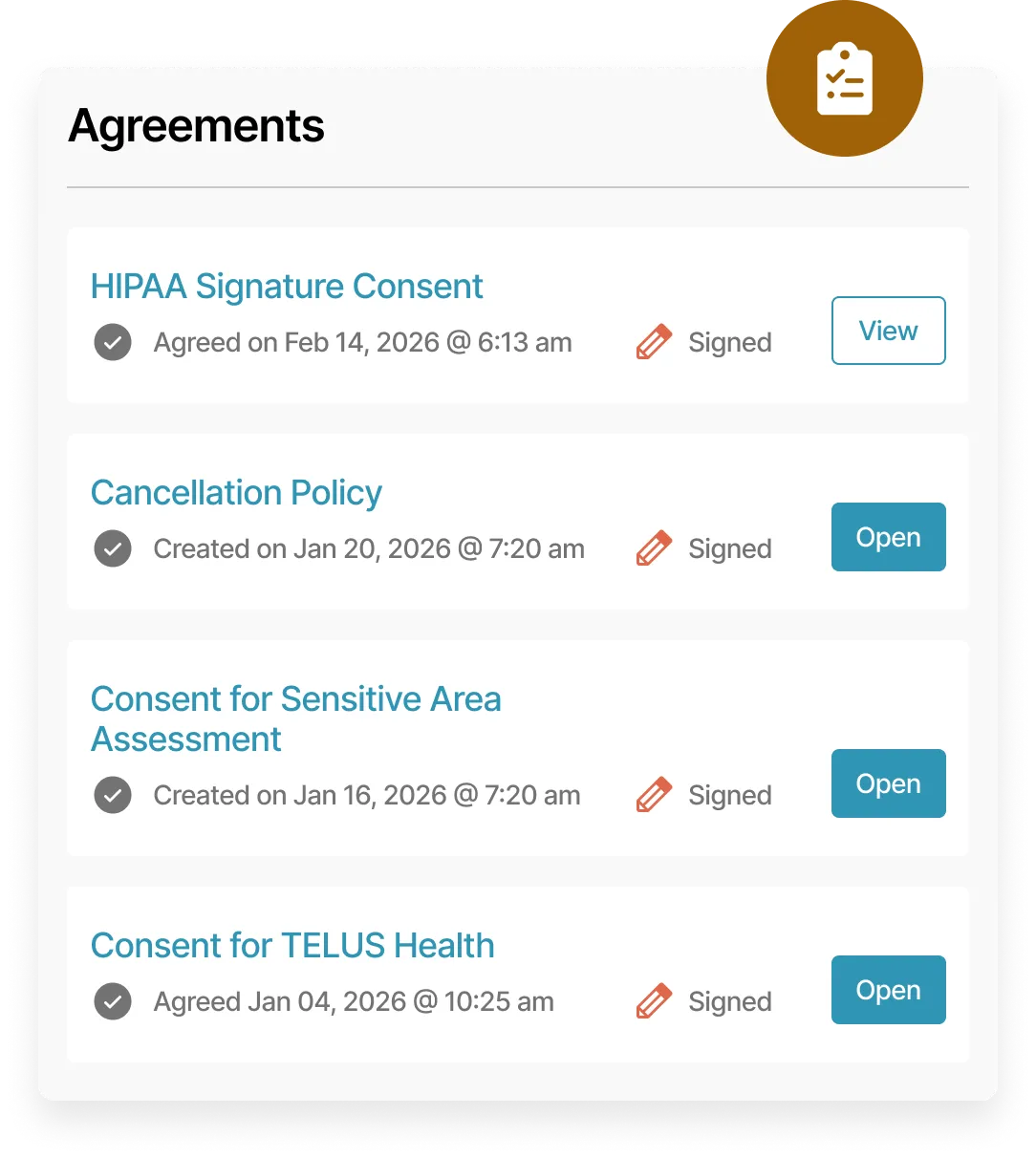
Collect recorded consent with secure patient signatures captured directly in intake forms.
Two form types. One clean intake flow.
Use the right form at the right moment to collect consent, acknowledge policies, and gather accurate patient information without creating extra work.
Digital agreement forms

Capture consent, clinic policies, and cancellation acknowledgements as time-stamped records. Agreement forms embed directly into intake forms for a centralized, cleaner, and email-free workflow.
Standard intake forms
Create fully customizable, contactless intake forms using templates or from scratch. Collect signatures, insurance details, and clinical history in a single flow. Insurance information can automatically generate a policy on the patient’s profile.
.webp)
.webp)
Flexible intake forms for real clinical workflows.
Support paperless registration by letting patients complete online forms in a way that works for your practice, without creating extra steps for your team.
Patient portal access
Patients can log in to the web app to view and complete any pending forms at their convenience, before or after booking.
Optional AI summaries
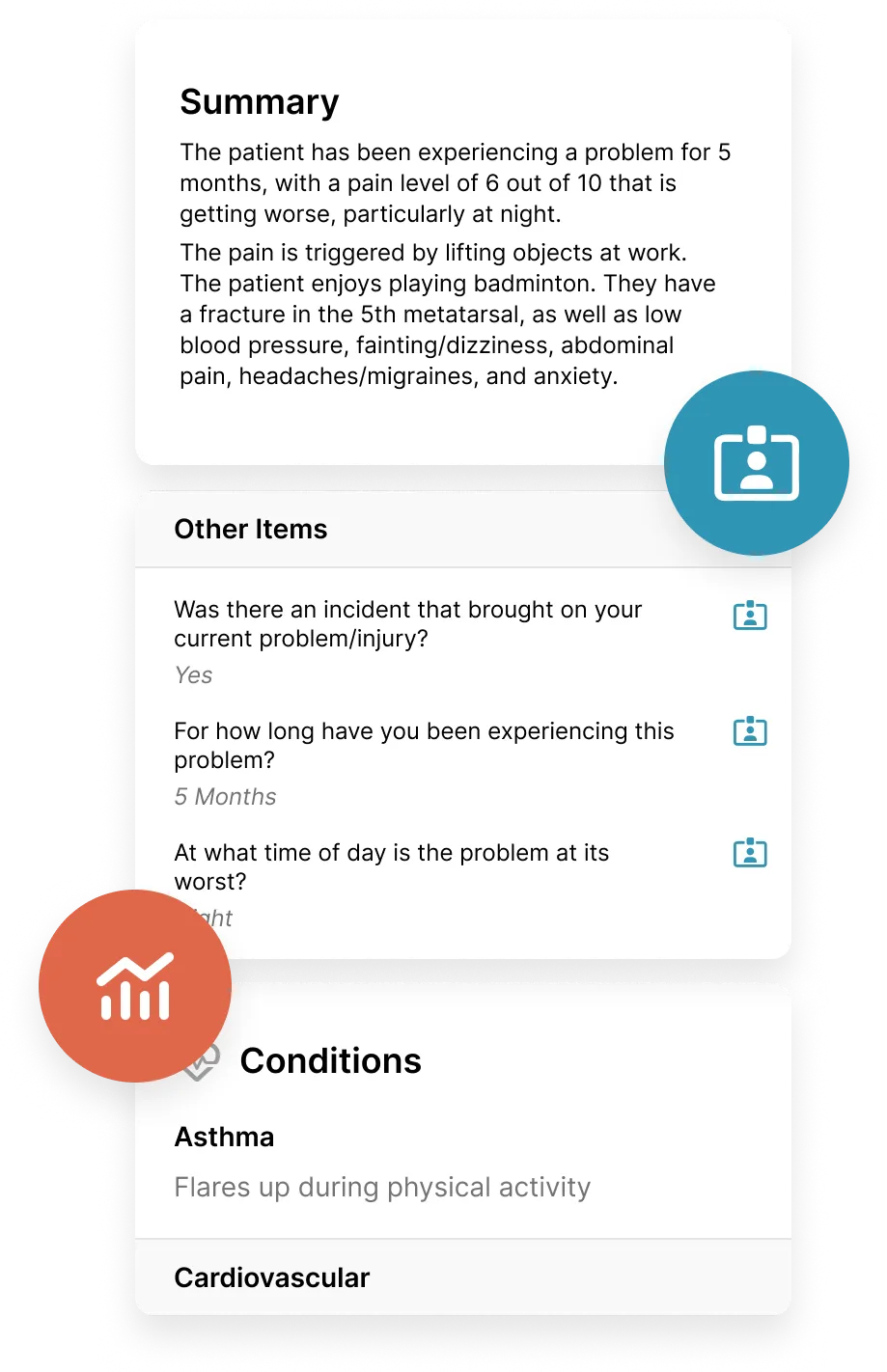
Convert completed forms into clear, professional AI summaries and add them to clinical notes or the subjective section in one click, directly from the appointment,
Intake form summaries
Information collected through online intake forms is automatically organized into a clear summary and stored in the Snapshots section of the patient profile. Key details such as conditions, injuries, and ongoing concerns are easy to review at a glance, without reopening the original form.
Loved by practitioners.
Trusted by clinic owners.
.webp)
.webp)
.webp)







More tools that simplify your day.
.svg)
Custom Clinical Notes
Document assessments and treatment plans - your way.
.svg)
Noterro Scribe
A voice-to-chart tool for fast, professional clinical notes.
.svg)
Predictive Charting
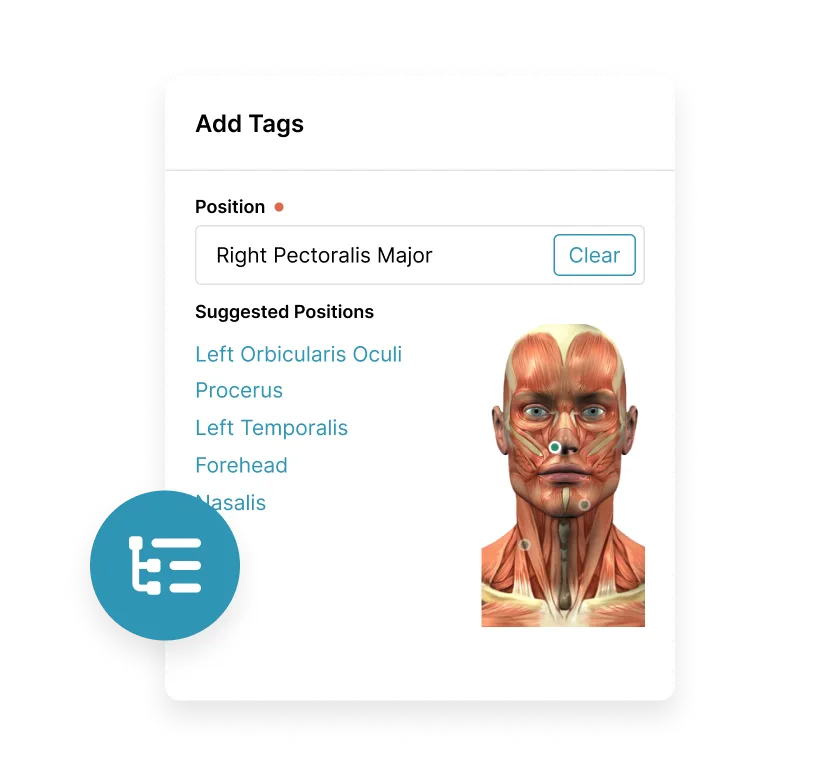
Intelligent charting that predicts and organizes your tags to speed up documentation.
Made to care.
Practitioners are at the heart of everything we do.
Frequently asked questions
Can patients complete intake forms before their appointment?

Yes, Noterro supports pre-appointment form completion through secure online intake forms. Patients can complete their forms in advance through the patient portal, helping clinics start each visit prepared and on schedule.
Can I customize question types and formats based on how I collect information?
Yes, Noterro comes with customizable question formats, allowing you to tailor intake forms to your clinical and administrative needs. You can adjust how questions are presented so patients provide clear, accurate responses without confusion.
Are Noterro cloud intake forms HIPAA-compliant and secure?
Yes, Noterro provides HIPAA-compliant intake forms designed for healthcare use. Patient data is protected through secure handling practices, helping clinics meet HIPAA and PIPEDA compliance requirements for collecting and storing sensitive health information.
Can I include my clinic’s HIPAA Notice of Privacy Practices in intake forms?
Yes, you can include your HIPAA Notice of Privacy Practices directly within your intake process. This allows patients to review and acknowledge privacy policies during their intake, creating clear documentation for compliance and record-keeping.
Can I send reminders to complete intake forms before their visit?
Yes, Noterro includes an intake form follow-up email reminder template that you can use to prompt patients to complete any outstanding forms before their appointment. Sending this reminder ahead of time helps reduce last-minute delays, limits front desk follow-ups, and keeps check-ins smooth and complete.
Does Noterro offer intake form templates by discipline or use case?
Noterro provides a template library for intake forms that clinics can use as a starting point. Templates can be customized by discipline or purpose, making it faster to create forms that match how your clinic collects patient information.
Can I manage intake forms for multiple clinic locations from one system?
Yes. Noterro supports a multi-location single system, allowing clinics with multiple locations to manage intake forms centrally. This keeps intake consistent while still supporting different workflows across locations.
Are form summaries available for Noterro GO for mobile practitioners?
Yes, Form Summaries are available with Noterro GO, so mobile practitioners can still chart efficiently while working on the move.
.webp)
.webp)