

Give patients clarity and your team breathing room
.webp)
Personalized messaging
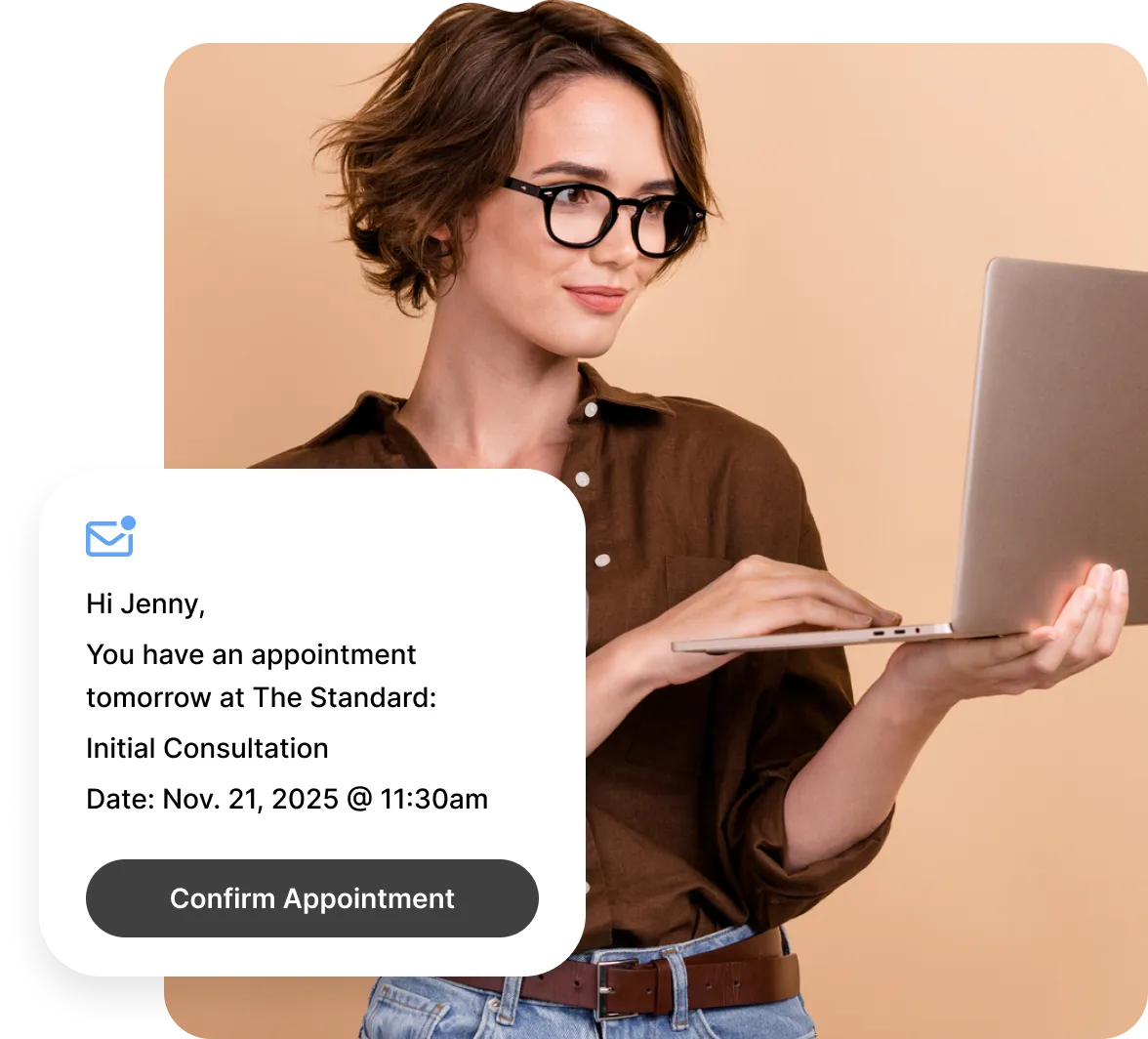
Create email reminders that sound like your clinic and include dynamic fields, like patient name and appointment date.
.png)
Custom Timing
Send reminders an hour before, a day before, or at any interval in between, based on your clinic’s needs.
Email Reminder Status
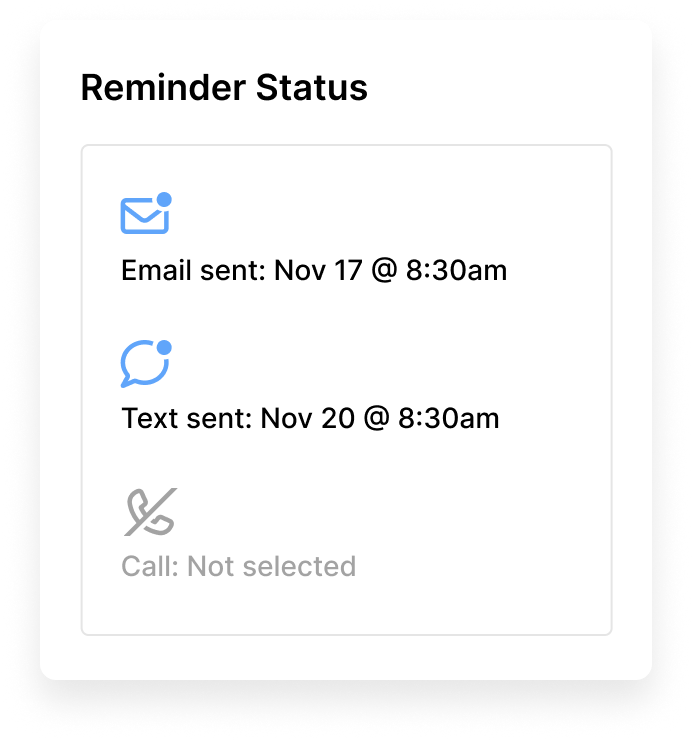
Track every email reminder with clear, time-stamped delivery logs that show when messages were sent and received.
.svg)
Unlimited Reminders
Every clinic can use free email reminders at no additional cost. No fees, no surprises, and no upgrades, just effortless communication that keeps you connected with your clients.

Inbox confidence
Emails sent through Noterro are optimized to avoid spam folders. Each message is also designed to be clear and easy to read on any mobile device.
Reminders built for modern clinic workflows
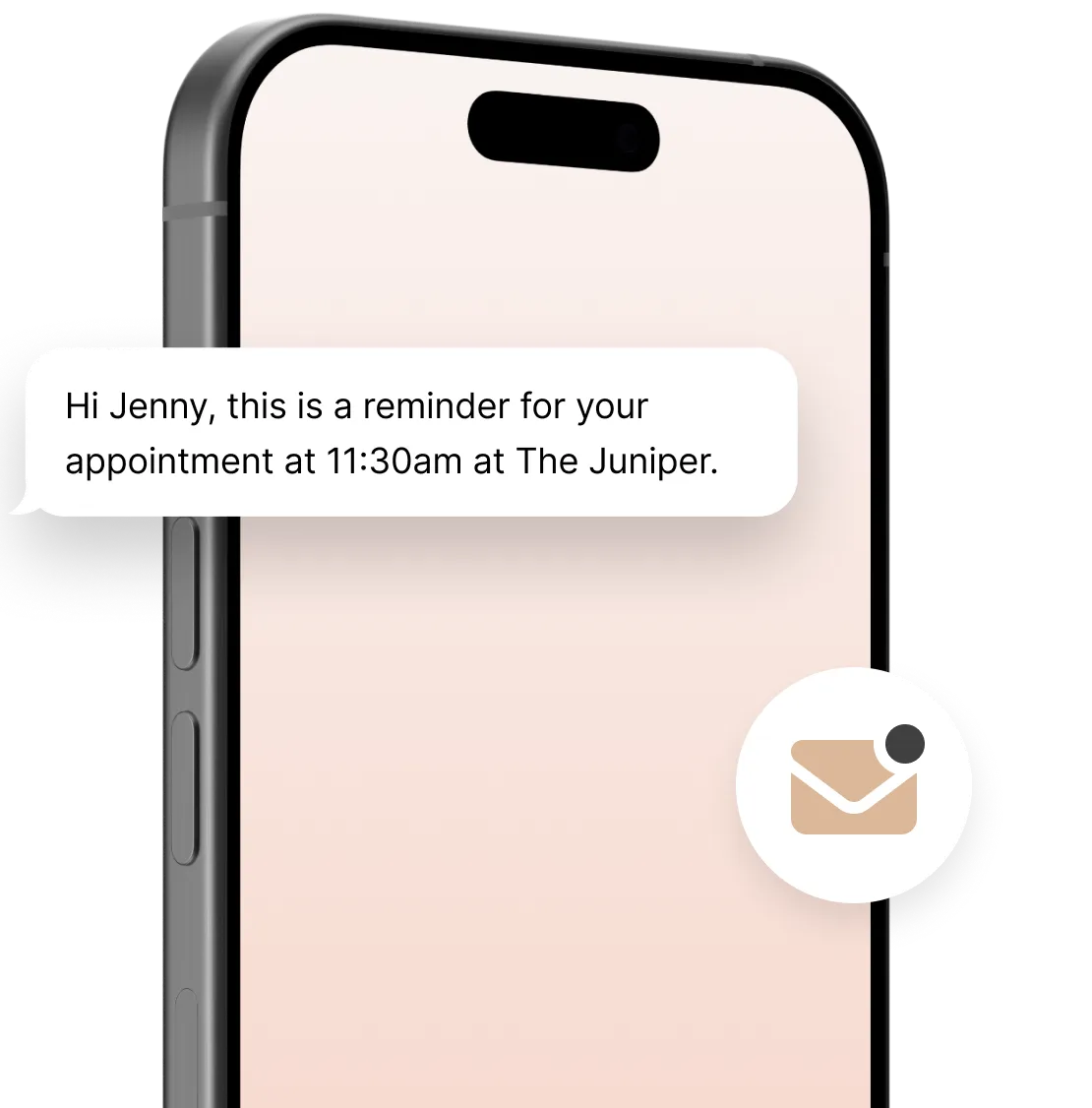
Email reminders work quietly in the background, keeping patients informed and your schedule and workflow running smoothly.
Multi-channel support

Email reminders work alongside SMS and phone reminders, ensuring patients receive updates through their preferred contact method.
Always accurate, automatically updated
Email reminders sync in real time with your Noterro Calendar and update instantly when appointments are booked, cancelled, or rescheduled.
Works for multiple disciplines
Designed to support every medical discipline, helping each clinic communicate care in its own way.
Effortless for patients, seamless for clinics
.svg)
Optimized for Mobile
Reminders are clean and easy to read on any device, thanks to a responsive user interface.
.svg)
.svg)
No Additional Charges
No extra charges, surprises, or upgrades needed to stay connected with your patients.
Loved by practitioners.
Trusted by clinic owners.









Made to care.
Practitioners are at the heart of everything we do.
Frequently asked questions
Can I customize the content of the email reminders?

Yes. You're free to craft personalized email reminders with specified appointment details, instructions, or other helpful information you want to share with your patients.
How can email reminders reduce appointment no-shows and calendar chaos?
Email reminders help reduce no-shows by sending automated appointment reminders to patients, encouraging them to confirm or reschedule their appointments if needed. This proactive approach minimizes the need for repetitive phone calls and promotes engagement.
How much does using the email reminder feature in Noterro cost?
The email reminder feature in Noterro is already included in the base fee.
Are email reminders sent automatically to patients in Noterro?
Yes, email reminders can be sent automatically to patients.
Can I set how many hours before the appointment I want to send email reminders?
Yes. You can set the number of hours before an appointment that reminders are sent, and Noterro ensures the timing respects your clinic hours, practitioner schedules, and availability rules.
When a patient books online, how often do they get email reminders?
Patients receive one email reminder for each appointment, sent at the timing you set in your reminder settings.
Can I use it for recurring appointments or group sessions?
Yes, email reminders work for recurring appointments, group classes, and multi-person bookings.
Can clients reschedule or cancel through their email reminders?
No, email reminders don’t support rescheduling or cancellation. Clients can make changes anytime by logging into your patient portal.
Insights and tips
for email reminders

How to Personalize Automated Reminders to Reduce No-Shows
Read More

The Impact of Appointment Reminder Software to Boost Patient Engagement
Read More
.webp)
.webp)