No items found.
Free Webinar · May 7 · How to Get (and Keep) More Patients as a Practitioner →
Save Your Spot


Table of Contents

Experience Better Practice Management Today!
Starting at $28.05/month
No Credit Card Required
Experience Better Practice Management Today!
Starting at $30/month
No Credit Card Required
Documentation should support patient care, not extend your workday. AI scribes promise to reduce charting time, but not every tool aligns with how real clinics operate.
Some improve speed yet increase editing, while others integrate well but limit flexibility. The difference usually comes down to workflow, accuracy, and system fit.
This blog compares the best Scribe AI alternatives based on how they perform inside real appointments, not just polished demos.
First, here’s a quick overview of all the tools on the list:
| Tool | Best For | Pricing | Capterra Rating |
|---|---|---|---|
| Noterro | Solo practitioners and small clinics | Starts at $28.05/month. 14-day free trial | 4.8/5 |
| Abridge | Enterprise medical transcription | Custom pricing | 4.7/5 |
| Freed.AI | Enterprise-grade AI documentation | Custom pricing | 5/5 |
| NoteMD | Lightweight AI note generation | Custom pricing | 4.2/5 |
| DeepScribe | Hands-free ambient scribing | Custom pricing | 4.3/5 |
| Suki AI | Medical dictation workflows | Custom pricing | NA |
| PatientNotes | Simple AI-assisted notes | Starts at $199/clinic/month | NA |
| TwoFold | Clinical intelligence insights | Starts at $19/month. Free version available | NA |
| AizaMD | Real-time clinical documentation | Custom pricing | NA |
| Deepgram | Voice infrastructure and speech-to-text APIs | Starts at $4,000/year. Free version available | NA |
This list focuses on how these tools perform during real clinical appointments, including note accuracy, required editing time, workflow compatibility, privacy safeguards, and system integration.
The goal is to highlight options that hold up in everyday practice, not just in controlled demonstrations.
Most clinicians aren’t searching for new documentation tools. They’re trying to avoid late evenings and disconnected records.
Noterro includes AI Scribe, its built-in AI note feature, inside the same system used for scheduling, billing, and patient management. It’s also accessible in Noterro GO mode, designed for mobile and on-the-go clinics.
That continuity works well for chiropractors, physiotherapists, massage therapists, and other allied health providers who document between appointments or on the move.
Features and pros:
Cons:
Capterra Rating: 4.8/5
Price: Starts at $28.05/month. You can try a 14-day free trial.

Abridge is commonly adopted by larger healthcare organizations that require enterprise-level transcription, summarization, and compliance oversight. It focuses on structured outputs that integrate into established medical record systems.
If your clinic operates within a hospital network or large-scale medical group, Abridge may align with governance and compliance needs. For smaller independent practices, however, it may feel heavier than necessary.
Features and pros:
Cons:
Capterra Rating: 4.7/5
Price: Custom pricing

Freed.AI is designed around ambient listening, meaning it captures the clinical conversation during a visit and generates documentation afterwards. It tends to appeal to larger medical teams that want minimal typing and a more automated experience.
However, its performance depends heavily on the structure of the appointment flow. If your consultations are conversational yet clinically organised, Freed.AI may significantly reduce after-hours charting.
Features and pros:
Cons:
Capterra Rating: 5/5
Price: Contact vendor for custom quote
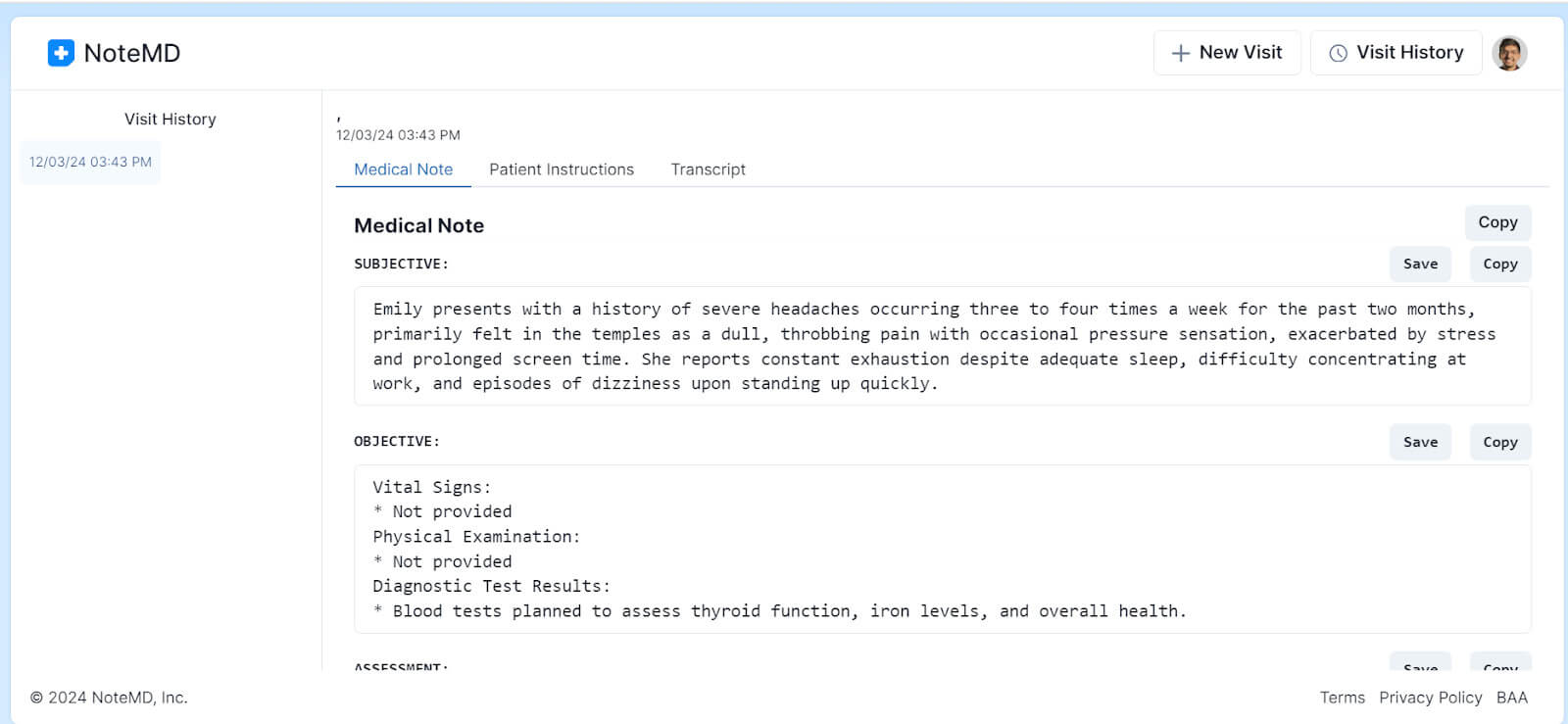
Note MD works well as a first step into AI documentation because it keeps the experience lightweight. It’s suited to clinics that want to try AI support without committing to an enterprise contract, a complex implementation, or deep EHR integration.
If your main goal is to reduce typing and clean up phrasing while staying in control of the final note, it’s a practical way to experiment before going bigger.
Features and pros:
Cons:
Capterra Rating: 4.2/5
Price: Contact vendor for a custom quote
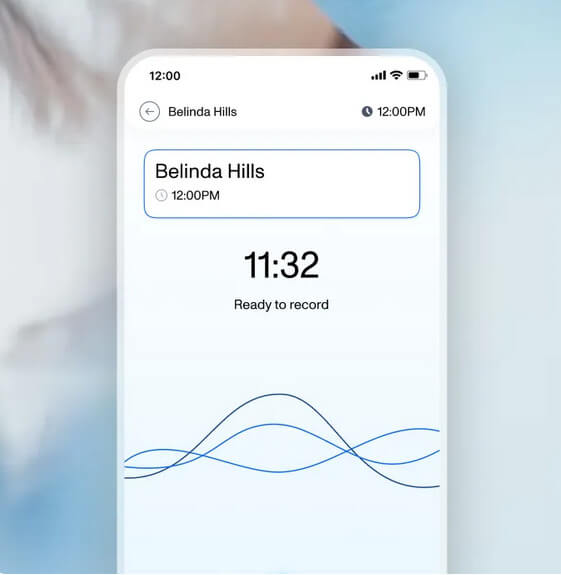
DeepScribe focuses on capturing full patient encounters without requiring clinicians to dictate or type during visits. It records conversations, processes them, and generates structured notes for review.
Busy multi-provider clinics often consider it when the documentation workload is affecting overall efficiency. However, it works best when teams are comfortable reviewing AI-generated drafts and when clear privacy protocols are already in place.
Features and pros:
Cons:
Capterra Rating: 4.3/5
Price: Contact vendor for custom quote

Suki AI is built for clinicians who already dictate their notes and want a faster, more structured way to do it.
It works especially well in traditional medical environments where providers speak clearly formatted clinical language and expect the system to translate that into structured documentation. If your workflow already relies on voice commands and EHR integrations, Suki feels like an extension of that habit rather than a major behavioral shift.
Features and pros:
Cons:
Capterra Rating: NA
Price: Contact vendor for custom quote
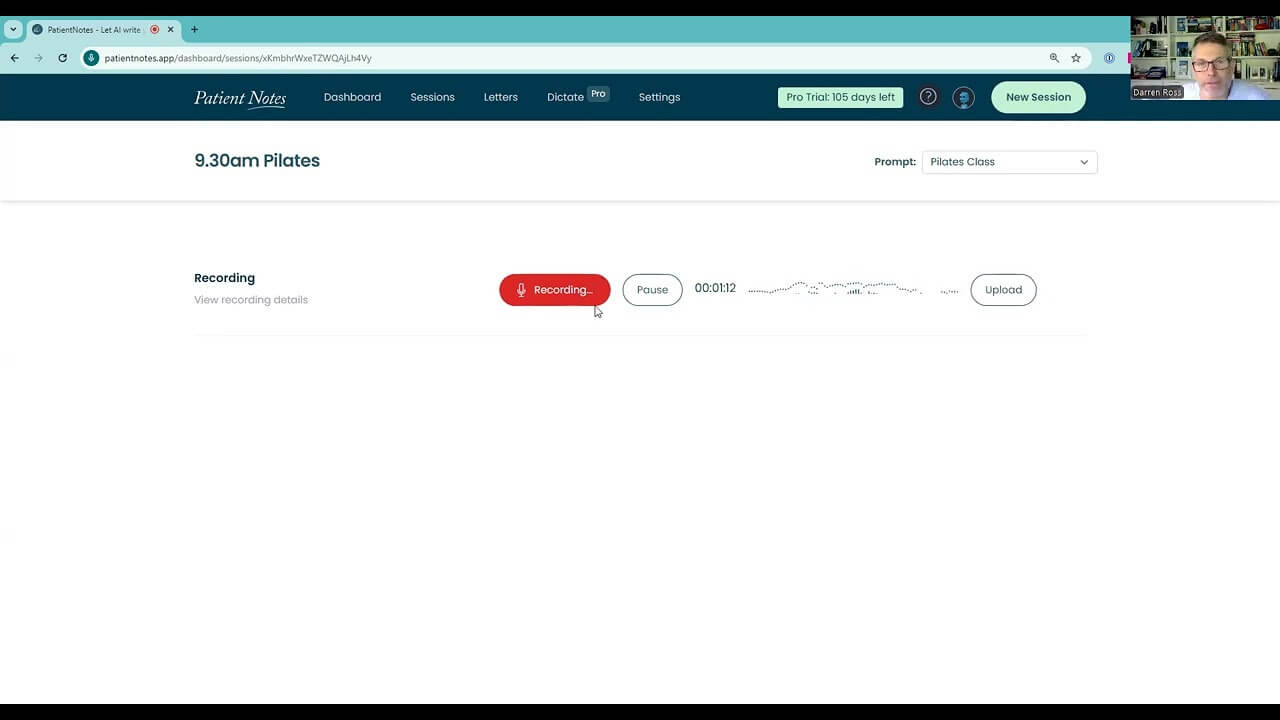
PatientNotes serves clinicians who want a gentle introduction to AI documentation. It helps draft clinical notes with minimal setup and without forcing a change in how you already work.
Because it doesn’t attempt to replace your entire workflow or integrate deeply into complex systems, it’s easier to adopt for small practices, therapists, or professionals who want just a bit of help with structure and wording. If your priority is simple automation, this feels lightweight and unobtrusive.
Features and pros:
Cons:
Capterra Rating: NA
Price: Starts at $199/clinic/month
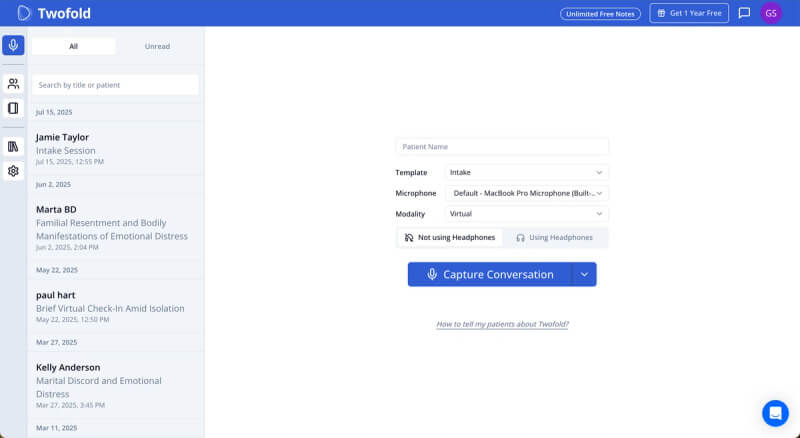
TwoFold goes beyond documentation by analyzing patient conversations for trends and clinical insights. It is often considered by organizations focused on care quality, reporting, and performance tracking across teams.
If leadership is interested not only in faster notes but also in extracting structured data from encounters, TwoFold becomes more relevant. It tends to fit data-driven clinics rather than individual practitioners looking purely for time savings.
Features and pros:
Cons:
Capterra Rating: NA
Price: Starts at $19/month. Free version available.
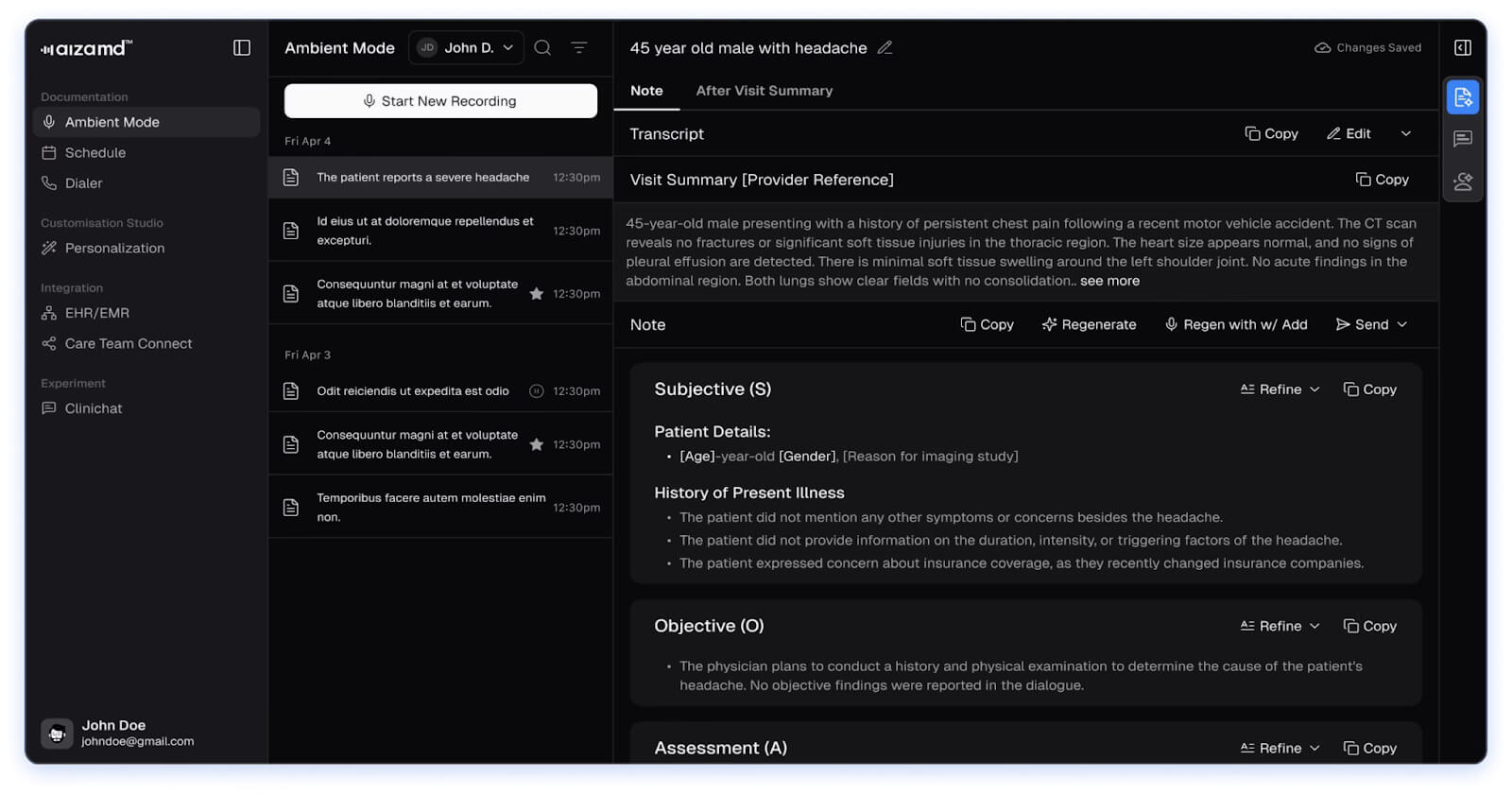
AizaMD emphasizes real-time documentation support during patient visits rather than post-visit processing. It assists during charting, which can reduce the end-of-day backlog for clinicians who prefer completing notes immediately.
This approach works well for providers who want to stay current with documentation throughout appointments. It may require some adjustment initially, especially for those used to finishing notes later.
Features and pros:
Cons:
Capterra Rating: NA
Price: Contact vendor for a custom quote
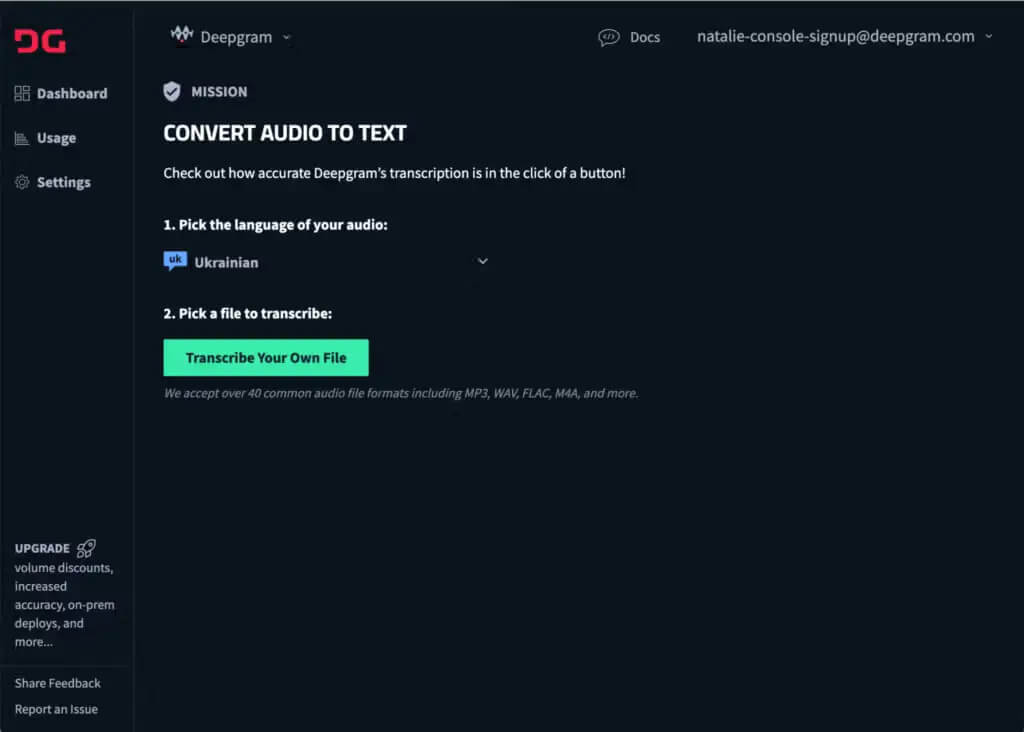
Deepgram is not a ready-to-use clinical scribe. It provides highly accurate, cost-effective APIs for speech-to-text, text-to-speech, and voice agents, available in real-time or batch processing, and deployable in cloud or self-hosted environments.
Healthcare platforms and technical teams use it to build custom documentation workflows rather than relying on a prebuilt interface. It suits organizations with development resources, not individual clinicians looking for an out-of-the-box scribe solution.
Features and pros
Cons
Capterra Rating: NA
Price: Starts at $4,000/year. Free version available.
Choosing the right Scribe AI alternative comes down to how well it fits into your existing workflow. The issue is rarely the technology itself, but whether it aligns with how documentation actually happens in your clinic. Before deciding, it’s important to evaluate a few practical factors that directly affect daily efficiency, editing time, and long-term usability.
The right scribe does not introduce a new workflow. It blends into the existing one, making documentation feel lighter without demanding extra attention.
Option A: Noterro
Noterro is a strong choice if you want AI charting inside the same system you already use for scheduling, billing, forms, and patient records. It works best for solo practitioners and small clinics that value context, continuity, and fewer tools to manage.
Option B: DeepScribe
DeepScribe fits clinics with high patient volume where hands-free documentation matters more than tight system integration. Teams that want ambient capture across multiple providers often lean this way, especially when documentation is centralized.
Option C: Suki AI
Suki AI works well for clinicians who already dictate notes and want to improve speed without changing their broader workflow. If voice dictation feels natural to you, this option often clicks faster than ambient tools.
The best way to choose the right tool is to try them first for free. Track how long edits take and notice how tired you feel at the end of the day.

Tags
Ryan Barichello, Co-Founder of Noterro, is a dynamic leader with a vision for innovation and excellence in the tech industry. With both a Business and Computer Science diploma from Mohawk College, Ryan has honed his business and software development expertise.
His leadership and dedication have garnered him several prestigious awards, including the 2018 Fast 40 Hamilton issued by Hamilton Economic Development. He also received the 2015 Outstanding Small Business of the Year from the Stoney Creek Chamber of Commerce and the 2013 Hamilton Top 40 Under 40 from Business Link Media.
Beyond his professional achievements, Ryan is deeply involved in community initiatives. As a board member of Festitalia for 9 years, he actively promoted Italian culture and heritage in the community. He also has spent time volunteering as a mentor in Greater Hamilton Teaching Youth Entrepreneur Program (M.I.G.H.T.Y), nurturing the next generation of leaders.
With a keen eye for detail and a disciplined approach, Ryan tackles challenges with precision, ensuring that every project he undertakes is a resounding success. Ryan's strategic mindset and passion for entrepreneurship have been instrumental in propelling Noterro to the forefront of the industry.
Driven by a relentless pursuit of excellence, Ryan is passionate about technological innovation. His expertise in addressing complex challenges with precision, alongside his dedication to innovation, sets him apart as a leader in the technology field.
.webp)
No credit card required. Available 1-on-1 support.
.webp)



.webp)