Chiropractic SOAP Notes Software: Simplify Documentation & Enhance Patient Care

If you’re here, you’re probably spending a lot of time on documentation. You’re tracking patient history, monitoring progress, and staying compliant, but it can quickly feel overwhelming.
Chiropractic documentation is essential, but without the right system, it often becomes time-consuming and hard to manage. SOAP notes software helps simplify this by making your records faster, clearer, and more organized.
From what I’ve seen, when documentation is handled manually or across different tools, it slows everything down and increases the chances of errors.
In this blog today, I’ll walk you through how to:
- Understand why SOAP notes software matters
- Identify the key features to look for
- Choose the right tool for your practice
- Compare popular options easily
Let’s get into it.
Why Should Chiropractors Use SOAP Notes Software?
It brings many pragmatic advantages that can transform the way you manage patient care and documentation. A chiropractic practice management solution can help with the following:

1. Streamline Patient Documentation Process
It can automate the documentation process. It eliminates the need for writing everything from scratch and reduces manual, time-consuming paperwork. You can quickly enter the following information, saving time and lowering administrative burden.
- Patient details
- Assessment results
- Treatment notes
- Follow-up updates
The platform provides a structured approach to recording patient information, making data entry efficient, organized, and consistent across all records.
2. Accuracy and Completeness of Notes
Practitioners can ensure accurate and comprehensive documentation. When you use templates, you miss fewer details, and prompts guide you through each step. This reduces the risk of missing essential information. As a result, your records stay clear, complete, and more reliable for patient care.
3. Seamless Communication
You can effortlessly share patient information, treatment plans, or related updates.
No more information gaps or confusion, you can send updates or plans without confusion, keeping everyone on the same page.
The digitized records and real-time updates streamline coordination among healthcare professionals involved in patient care, making digital records easy to share and improving overall collaboration.
4. Facilitating Data Access and Storage
YYou can centralize storage for patient data. This allows practitioners to access patient records securely from any location and simplifies the following:
- Record-keeping
All your records stay in one place, making documentation more organized and easier to manage. - Enable efficient retrieval of information whenever required.
You can access the records whenever needed, ensuring faster and simpler retrieval of patient information.
5. Comprehensive Patient Assessment and Progress Tracking
You can conduct thorough patient assessments and track progress effectively using the SOAP format, which keeps things structured. By documenting subjective information, objective findings, reviews, and treatment plans, you can monitor patients' responses to care, track changes over time, and adjust treatment accordingly based on real data.
6. Tailoring Treatment Plans to Individual Needs
These notes help you see the full picture and create personalized treatment plans based on patients' conditions and goals. The platform helps track treatment effectiveness, allowing you to make better, informed adjustments and ensure the most suitable care for each patient based on how they respond.
7. Identifying Patterns and Trends for Better Diagnosis
It stores patient data in a structured and accessible manner. Over time, patterns, trends, and correlations become clear. You can analyze this data to identify patterns and use past records to guide future treatment decisions. It aids in accurate diagnoses and optimal treatment planning, ultimately improving patient outcomes.
Top Features to Look for in Chiropractic SOAP Notes Solution
The right SOAP notes tool should make documentation faster, smarter, and more efficient. Look for features that streamline note-taking, integrate patient history, and simplify treatment planning to enhance your workflow.
1. Customisable Templates
A reliable solution provides customizable templates that help you stay consistent. You can adjust these templates to match how you work, making documentation easy and consistent.
2. Patient History and Treatment Plans Integration
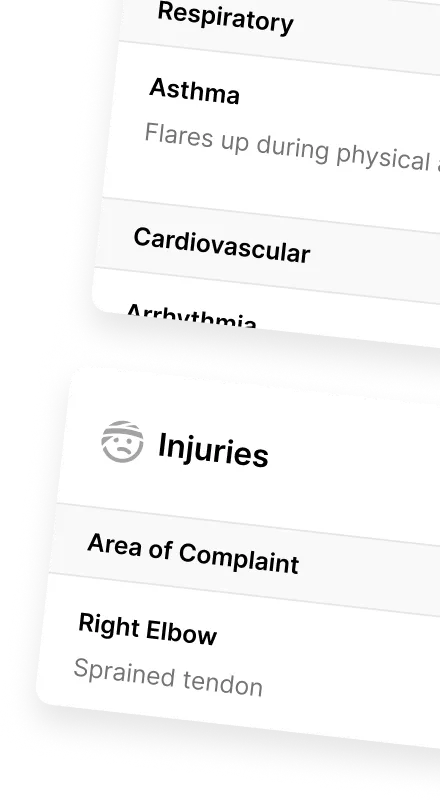
It often integrates patient history, including previous diagnoses, treatments, and medications. This integration provides a comprehensive view of the patient's health. It allows you to tailor treatment plans accordingly.It often integrates patient history, including previous diagnoses, treatments, and medications. This integration allows you to see all records in one place, providing a comprehensive view of the patient's health. It saves time and helps you make better decisions, allowing you to tailor treatment plans accordingly.
Also Read: 16 Practice Management Software Features Chiropractors Shouldn’t Ignore
3. Automated Billing and Coding
These solutions help you improve efficiency through automatic billing and coding. Some tools also support billing and help you handle administrative tasks such as
- Generating invoices,
- Managing payments, and
- Assigning appropriate medical codes for the services provided to patients.
This reduces mistakes, saves effort, and minimizes human errors, ensuring accurate reimbursement. Tools like ChiroTouch and ChiroSpring are known for this. Moreover, the tool makes your practice workflow smoother and lets you focus on providing quality patient care.
4. Data Protection
Noterro prioritizes patient data security and complies with privacy regulations such as HIPAA. You need to keep patient data safe, and most tools follow rules like HIPAA and include measures such as secure storage, controlled access, and data backup. We implement robust security measures, including encrypted data transmission and role-based access controls, safeguarding patient information and maintaining confidentiality.
5. AI- Note Taking
Let’s be real, typing out notes after every patient visit can slow you down and take your focus away from what truly matters: your patients.
That’s where AI-powered note-taking comes in. Some tools let you speak instead, turning your voice into structured notes instantly instead of manually writing or typing.
With Noterro Scribe, you can talk through your notes while it does the writing for you, helping you save time during busy hours.

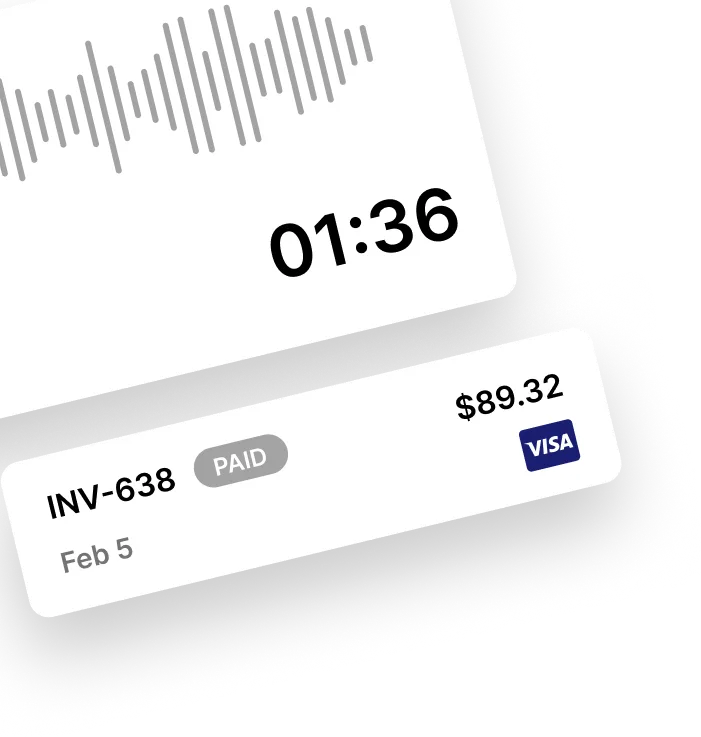
AI Note Taking: Using Noterro Credits, you dictate your findings, and the AI transcribes them into structured SOAP notes, no typing, no hassle. This means more time for patient care and less time stuck in front of a screen.
6. Multi Tagging and Drawing
Ever wish you could just point to a spot on an anatomy chart and attach notes directly to it? Text is not always enough. With multi-tagging and drawing, you can do exactly that! Instead of writing long descriptions, you:
- Tag specific body parts to note pain points, adjustments, or symptoms.
- Draw directly on anatomical images to visually map out treatment areas.
- Make your notes more precise and easier to review later.

Multi tagging: With Noterro’s drawing tool, you can personalize your notes by marking specific areas, adding annotations, and highlighting key spots for a clear visual reference.

Multi drawing: By combining AI-powered speech-to-text with visual note-taking, Noterro makes documenting patient visits faster, smarter, and way less of a chore. Less paperwork, more patient care, exactly how it should be!
You might find this helpful: The Comprehensive Growth Plan for Chiropractic Practices: From Startup to Scalable Success
Tips to Choose The Right SOAP Notes Software
Selecting the best platform comes down to ease of use, flexibility, and security. The best choice depends on how your practice runs. Here’s what to look for:
- Simplicity and User-Friendly Design: You should be able to learn it quickly. When selecting a tool for your practice, prioritize straightforward systems with an intuitive interface. A user-friendly platform will facilitate quick adoption by your staff, leading to improved workflow efficiency.
- Customization options: It should fit your workflow. Choose a platform that allows you to customize templates, workflows, and settings based on your practice's unique requirements.
- Integration capabilities with existing systems or electronic health record (EHR) platforms: It should work with your current tools. Ensure that it can integrate smoothly with your current systems, such as EHRs or billing tools. This reduces data duplication and improves data management.
- Compliance with privacy regulations: It should follow rules like HIPAA. Prioritize solutions that offer solid data security and comply with privacy regulations. Protecting patient information is paramount for maintaining trust and confidentiality.
- Availability of customer support and training resources: Help should be available when you need it. Opt for providers that offer excellent customer support and comprehensive training resources. Access to assistance and training ensures successful implementation and maximizes its benefits for your practice.
Top 4 SOAP Note Software To Consider For Your Practice
| Software | Features | Ease of Use | Integration | Pricing |
| Noterro | AI-powered note-taking, tagging, drawing, comprehensive templates, secure cloud storage | Easy | Integration with Xero, QUickbooks, Square | Starts at $28.05/month for the Core plan. |
| ChiroTouch | Cloud-based SOAP notes, billing, scheduling | Moderate | EHR, billing, scheduling integration | Starts at $159/month. |
| MyZHealth | Customizable templates, online booking, billing | Easy | EHR, telehealth, patient portal | Starts at $119/month. |
| ChiroSpring | Cloud-based EHR, automated documentation, billing | Moderate | EHR, billing, insurance verification | Starts at $149/month. |
Conclusion: Better Documentation Leads to Better Care
SOAP notes software helps chiropractors keep documentation simple, structured, and consistent. This makes it easier to track patient progress and make informed clinical decisions.
It also reduces time spent on paperwork, so more focus stays on patient care. Over time, records stay clearer, and follow-ups become easier to manage.
When everything is organized in one place, care feels more connected. Tools like Noterro help keep documentation efficient so it supports, rather than slows down, your workflow.
FAQ
What is the benefit of using SOAP notes?

Can SOAP notes software integrate with other systems used in chiropractic clinics?
What is Chiropractic SOAP Notes Software?
Is SOAP notes software suitable for small chiropractic clinics?
Can SOAP notes software help with insurance claims?
How does SOAP notes software improve patient follow-ups?
Can SOAP notes software be used on mobile devices?
Share